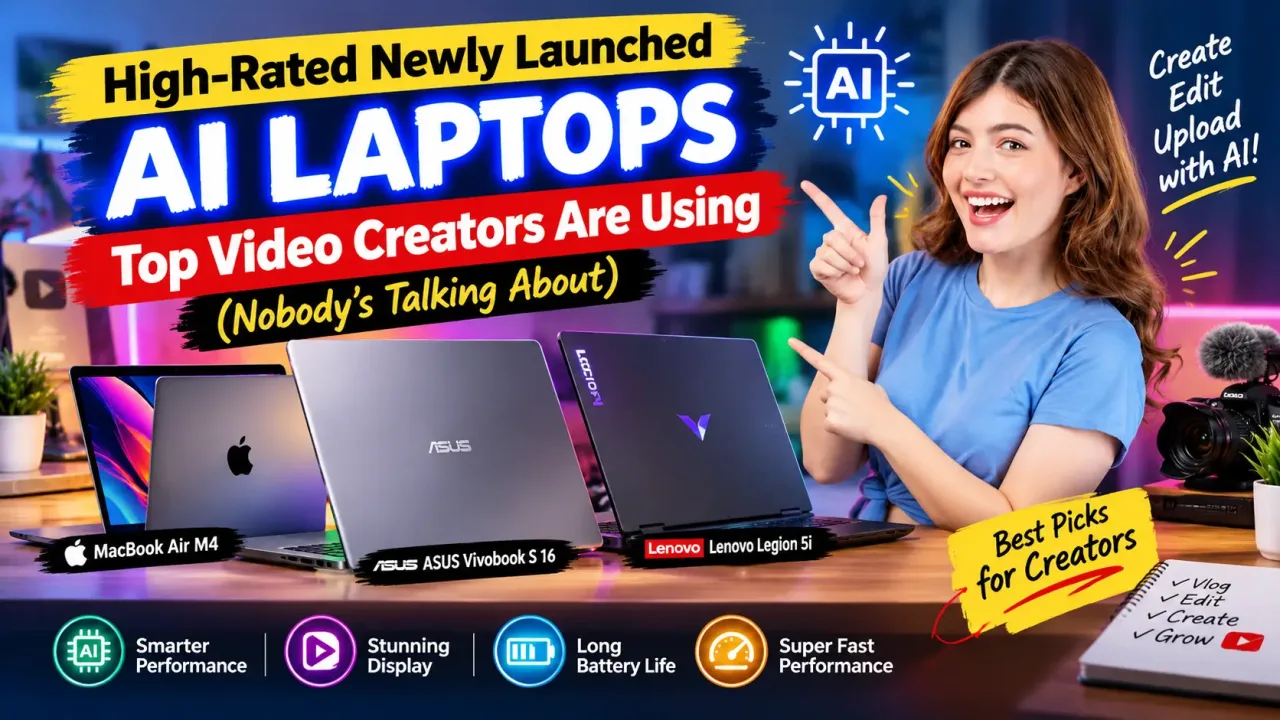
High-Rated Newly Launched AI Laptops Top Video Creators Are Using (Nobody’s Talking About)
What this article covers
Scroll through any "best laptop for creators" list online, and you'll notice something a little repetitive — the same handful of names keep popping up over and over, usually the big, obvious flagship models everyone already knows about. Meanwhile, there's a quieter shift happening among actual working video editors, the kind who don't have time to chase hype and just need machines that genuinely make their editing life easier. And a few of these laptops honestly deserve a lot more attention than they're getting.
If you're someone who edits regularly — whether it's YouTube content, client videos, podcasts, or short-form reels — this is worth paying attention to. Because the laptop market in 2026 has quietly become smarter, faster, and far more tailored to editors than most people realize.
Why "AI Laptop" Doesn't Mean What It Used To#
Let's clear something up first, because the term "AI laptop" gets thrown around loosely these days. It's not just marketing fluff anymore — it genuinely refers to laptops built with a dedicated Neural Processing Unit, or NPU, designed specifically to handle AI-driven tasks separately from your CPU and GPU.
Video editing in 2026 has essentially become an AI-assisted workflow by default — generative masking, automatic upscaling, transcription, audio cleanup, and smart reframing are now baked directly into editing software, and the best creator laptops are the ones that pair genuine GPU horsepower with real NPU offload, alongside a display good enough to trust your color decisions on. In other words, it's not about having "AI" slapped on a spec sheet. It's about whether the hardware inside can actually carry that workload without choking.
The Lenovo Slim 7i Aura Edition — The Quiet Workhorse#
If there's one machine that deserves way more buzz than it currently gets, it's this one. The Lenovo Yoga Slim 7i Aura Edition has been recognized as an editor's choice pick for AI-driven creator workflows, built around Intel's Lunar Lake chip with a genuinely strong 47 TOPS NPU, a gorgeous OLED display, and battery life stretching to around 14 hours.
What makes it particularly clever for editors is a dedicated AI Mode that intelligently reallocates power from the CPU straight to the NPU whenever you're doing something like video upscaling. Practically speaking, that means smoother performance during AI-heavy tasks without your laptop overheating or draining its battery in twenty minutes flat. It's also become something of a go-to for automated multi-cam podcast editing, since the software can track multiple faces and switch between camera angles instantly — a feature that used to require painstaking manual work.
And here's the part that really surprises people: it's priced around $1,099, which is refreshingly reasonable for what it offers. This isn't a $3,000 flagship. It's a genuinely smart, capable machine that most people simply haven't heard enough about yet.
ASUS ProArt Series — Built by Creators, For Creators#
ASUS has been quietly building out an entire ecosystem specifically for content creators, and it's honestly one of the more thoughtful approaches in the market right now. Their Creator AI lineup combines strong hardware with exclusive software tools like StoryCube, MuseTree, and Creator Hub, all designed to make editing feel less like fighting your machine and more like collaborating with it.
One standout is the ProArt GoPro Edition, a genuinely portable option built for creators who shoot and edit on the move. It runs on the AMD Ryzen AI Max+ 395 processor paired with up to a staggering 128GB of unified memory, enabling real-time editing, AI-powered upscaling, and complex multi-layer projects without the usual lag. It even includes a dedicated GoPro hotkey for instant access to GoPro Cloud and Player, plus StoryCube, which happens to be the first Windows app to properly integrate both GoPro Cloud footage and 360-degree video into one organized timeline.
Meanwhile, for editors who need serious rendering muscle rather than portability, the ASUS ProArt P16 has been recognized as one of the strongest creator picks available, packing an RTX 5070 GPU alongside 32GB of RAM and a 2TB SSD — genuinely capable of handling heavy video work and local AI processing that thinner Copilot+ laptops simply can't match.
Budget Doesn't Mean Bare-Bones Anymore#
Here's something that would've sounded unrealistic just a couple of years ago — you no longer need to spend flagship money to get a genuinely capable AI editing laptop. Budget-focused picks are increasingly built specifically with AI workflows in mind, and the Acer Swift X 16 has emerged as a standout recommendation for balancing NPU performance, RAM, and display quality at a friendlier price point.
There's an important trade-off worth knowing about, though. Some of these budget-friendly AI laptops see battery life drop noticeably when running AI generative tools continuously, so if you're doing marathon editing sessions away from a power outlet, it's worth checking real battery benchmarks rather than trusting marketing claims alone. It's also smart to avoid base models with smaller SSDs, since AI-generated video assets and high-resolution footage can fill up storage far faster than people expect.
What About Mac Users?#
If you're firmly in the Apple ecosystem, you're not left out of this conversation either. The MacBook Pro 14-inch with the M4 Max chip has been recognized for delivering best-in-class local AI processing performance alongside remarkably quiet thermals and up to 17 hours of battery life, making it a genuinely strong pick for editors who want raw power without constant fan noise or plugging in every couple of hours.
Apple Silicon continues to be particularly dominant for Final Cut Pro users specifically, and for editors already comfortable in that ecosystem, it remains something close to a gold standard rather than just another option on a list.
The Real Lesson Here: Match the Laptop to Your Actual Workflow#
Here's the thing worth remembering before you get swept up in any single recommendation, including the ones above — the "best" laptop genuinely depends on how you actually edit. If you're doing quick social content, reels, or lighter 1080p work, something like the Lenovo Slim 7i Aura Edition will serve you beautifully without breaking your budget. If you're deep into heavy 4K or 6K multi-cam projects with complex color grading, you'll want the extra GPU muscle that machines like the ASUS ProArt P16 bring to the table.
Buy the laptop first, and treat the AI badge as a bonus rather than the deciding factor — a strong NPU won't fix a dim screen, a cramped SSD, or software compatibility headaches if the fundamentals aren't solid to begin with.
Final Thoughts#
The most exciting laptops for video editors right now aren't necessarily the ones dominating every tech headline — they're the quieter, smarter machines that working creators have started relying on without much fanfare. Whether it's the surprisingly affordable Lenovo Slim 7i Aura Edition, the creator-focused ASUS ProArt lineup, or even a well-specced budget pick like the Acer Swift X 16, the common thread is the same: real NPU power, thoughtful software integration, and hardware that respects your time.
So next time you're shopping for an editing laptop, don't just default to whatever name shows up first in a sponsored article. Dig a little deeper, match the specs to how you actually work, and you might just discover your next favorite editing machine is one nobody's been talking about — yet.

Read next

High Performance AI Laptops Under Rs 40k for Graphic Designing in 2026
Let's have an honest conversation before diving into recommendations, because you deserve honesty more than hype. If you've been searching for a "high-performance…

These 10 Newly Launched AI Gaming Laptops Have Changed Gen Z’s Gaming Forever
Think back to the last time you watched someone crank up a demanding game on an old laptop, only to see it chug through 30 fps like it…
Best AI Smartphones for Content Creators in 2026: Must-Have Picks
Picture your last content-creation Sunday. You've got footage from three different locations, a client deadline breathing down your neck, a battery that's somehow…
Why Top YouTubers Ditch iPhones for This Hidden AI Phone in 2026
If you've spent years assuming that "serious content creator" automatically means "iPhone in hand," you're definitely not alone. For the longest time, that pairing…
0 comments